Technical Guide
How to Prepare Stems for Mixing
Preparing your project correctly before sending it to an engineer is the most critical step in the mixing process. When stems are organised and technically sound, the engineer can focus entirely on the creative balance, dynamics, and sonic character of your music rather than troubleshooting technical errors. This guide outlines the exact requirements for submitting your files to Bambochezone.
Reading time: 5 minutes
Understanding Stems vs. Multitracks
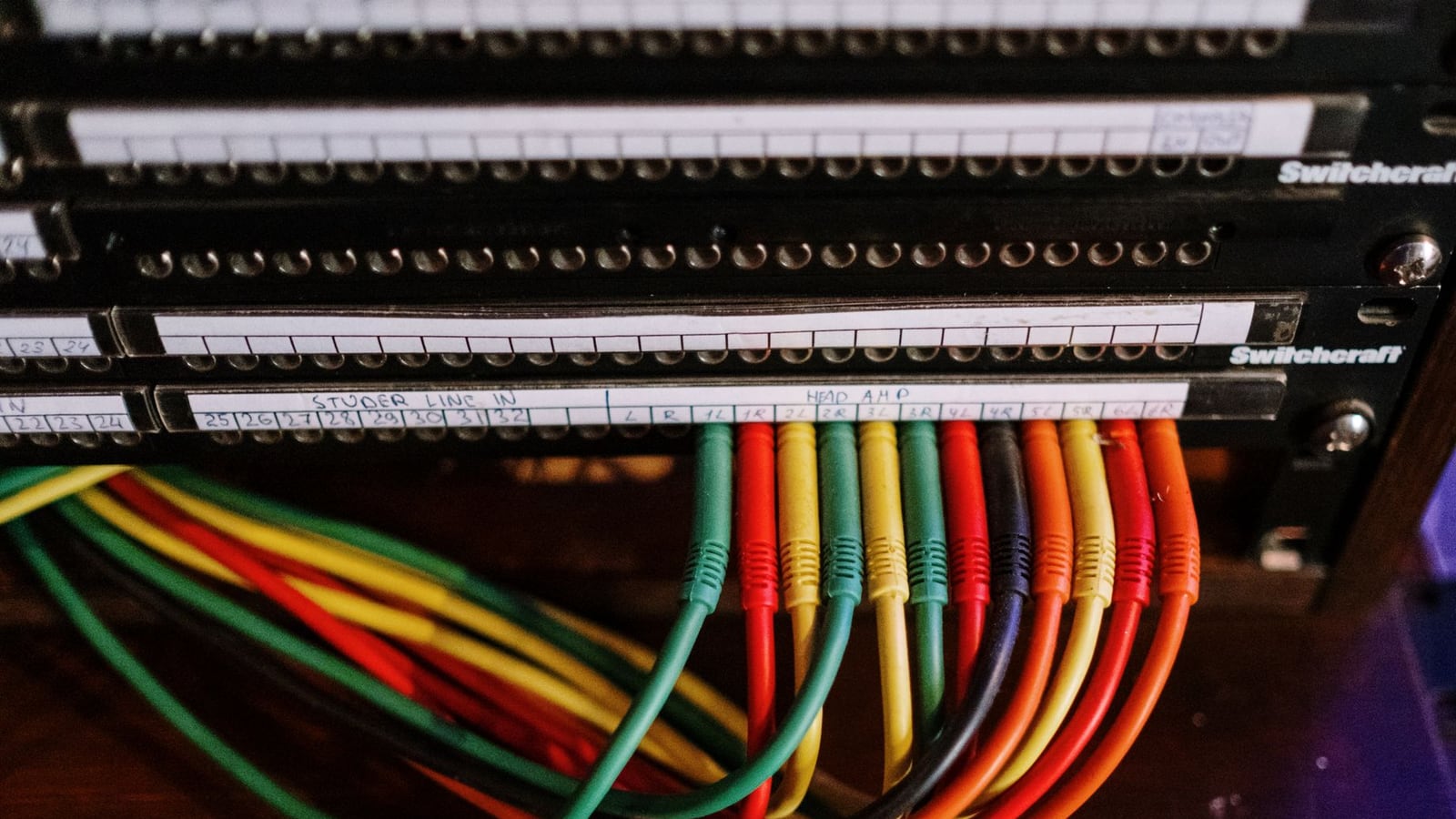
Before exporting, it is important to distinguish between multitracks and stems. Multitracks are every single individual recording (e.g., every single vocal take, every snare hit). Stems are grouped versions of these tracks (e.g., all drums as one stereo file, all vocals as another). For our Professional Mixing service, we typically require multitracks to have full control over the processing, although stem-mixing is available for specific project needs.
Regardless of the format, the goal is to provide a clean, consolidated set of files that represent your vision without the clutter of unused takes or muted clips.
Technical Specifications for Audio Files
To maintain the highest fidelity throughout the processing chain, your files must adhere to these technical standards. Using lower quality formats can lead to audible artefacts when we apply compression or EQ.
- Sample Rate: 44.1kHz or higher. We support 48kHz, 88.2kHz, and 96kHz. Please do not downsample your files.
- Bit Depth: 24-bit is the industry standard. Avoid 16-bit or 32-bit float unless specifically discussed.
- Format: Uncompressed WAV or AIFF files only. We cannot accept MP3 or AAC files for mixing.
Managing Headroom and Clipping
One of the most common mistakes is sending files that are "clipping" (hitting 0dB). When a signal clips, it creates digital distortion that cannot be removed during mixing. We require a healthy amount of headroom to apply our processing effectively.
Ensure that the peak level of every individual track is at least -6dB. If your tracks are too hot, simply select all clips in your DAW and lower the gain. Do not use a limiter on your master bus before exporting; we need the raw, dynamic signal to achieve a professional result.
| Requirement | Standard | Reason |
|---|---|---|
| Peak Level | -6dB Headroom | Prevents digital clipping |
| File Format | WAV / AIFF | Lossless audio quality |
| Sample Rate | 44.1kHz+ | Preserves high-frequency detail |
| Bit Depth | 24-bit | Ensures dynamic range accuracy |
Naming Conventions and Organisation
Clear naming is essential for a fast turnaround. An engineer should be able to identify a track instantly without having to listen to it first. Avoid names like "Audio 1" or "Track 5".
Use a logical system: Kick_In.wav, Snare_Top.wav, Lead_Vocal_Main.wav, Bass_DI.wav. If you have multiple layers of the same instrument, number them (e.g., Synth_Pad_01.wav, Synth_Pad_02.wav). This organisation allows us to stay within our average turnaround of 5 business days.
Consolidating and Exporting
Every file must start at exactly the same time (Bar 1, Beat 1). If your tracks vary in length, they will not align when imported into our session, leading to significant delays. Use the "Consolidate" or "Bounce" function in your DAW to ensure every file begins at the start of the project.
Remove any effects that are "baked in" unless they are an integral part of the sound (e.g., a specific distorted guitar tone). Remove all reverb and delay from the individual tracks; we will add these during the mix to ensure clarity and space.
The Perth Connection: Local and Online Workflow
While Bambochezone operates as a high-end online studio, we are based in the heart of the Perth CBD. For artists located in Western Australia, this means we share the same time zone (AWST), allowing for real-time communication and faster feedback loops. If you are unsure about your exports, you can book a consultation to visit our control room in Perth for a final listening session once the mix is complete.
Our workflow is designed for the modern independent artist, blending the convenience of digital delivery with the precision of professional monitoring via ATC SCM25A systems.
Final Submission Checklist
Before uploading your files to our secure server, run through this final list:
- All files are WAV/AIFF 24-bit.
- No track peaks above -6dB.
- All files start at the exact same timestamp.
- Tracks are clearly named (e.g., "Vocal_Lead" instead of "Audio_01").
- Unnecessary effects (reverbs/delays) have been removed.
- A reference mix (your rough demo) is included to show the intended direction.
If you have questions about the technical side of your project or want to understand how these requirements affect your budget, please read our guide on mixing and mastering costs.
Ready to bring your track to a professional level?
Start Your Project